Changelog

Stay up to date with the latest features, improvements, and fixes.

AI agents. Built-in.

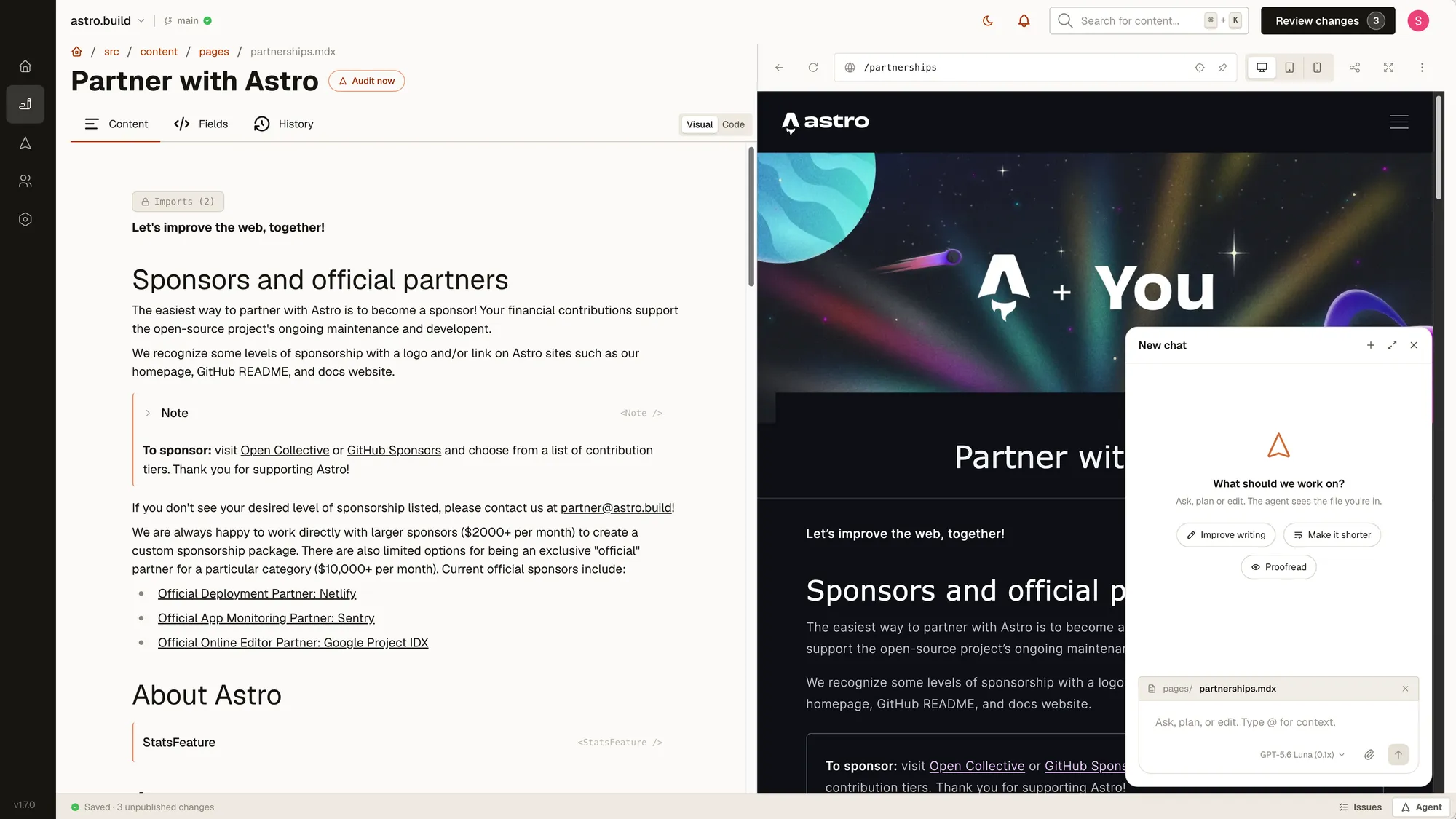
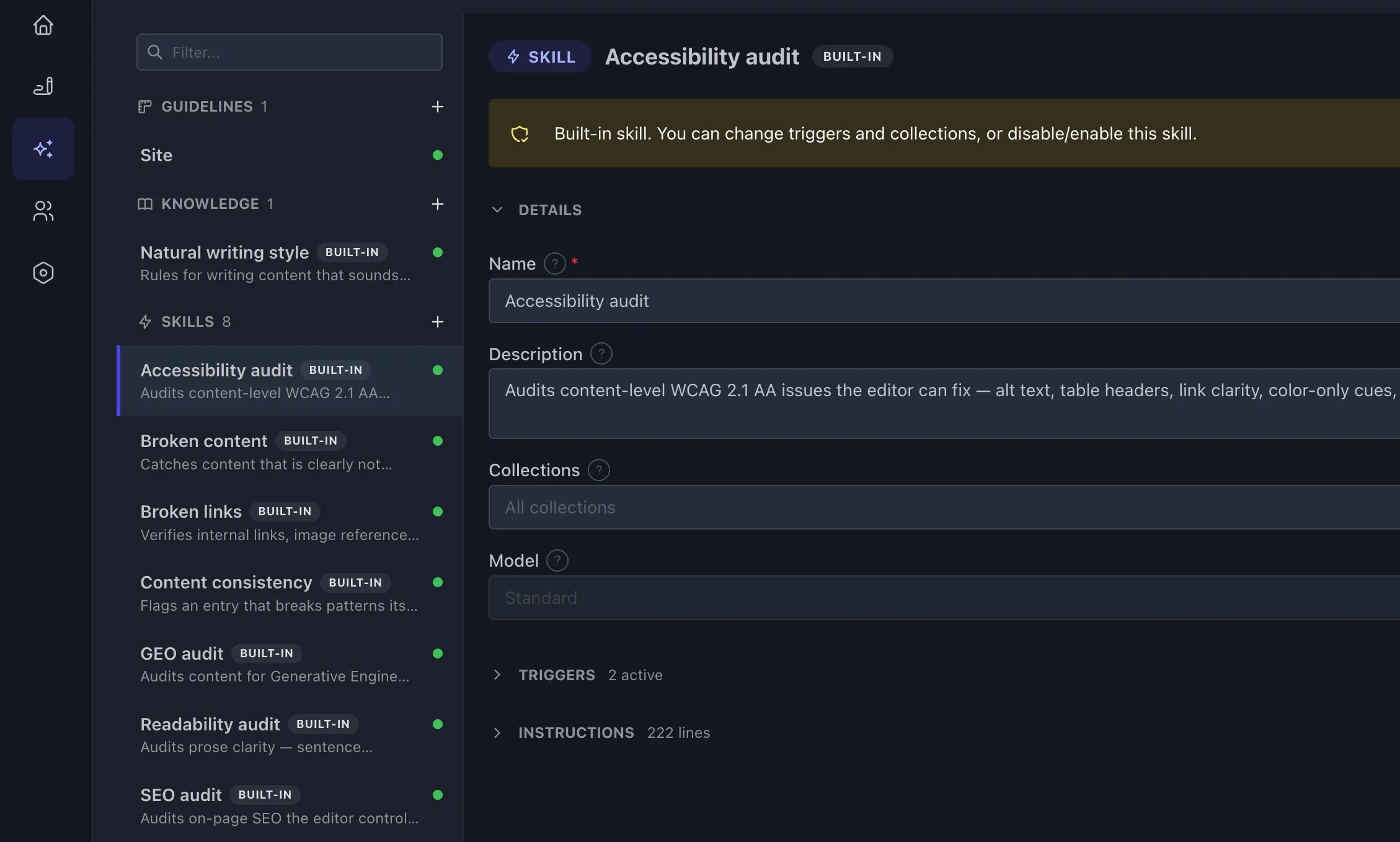
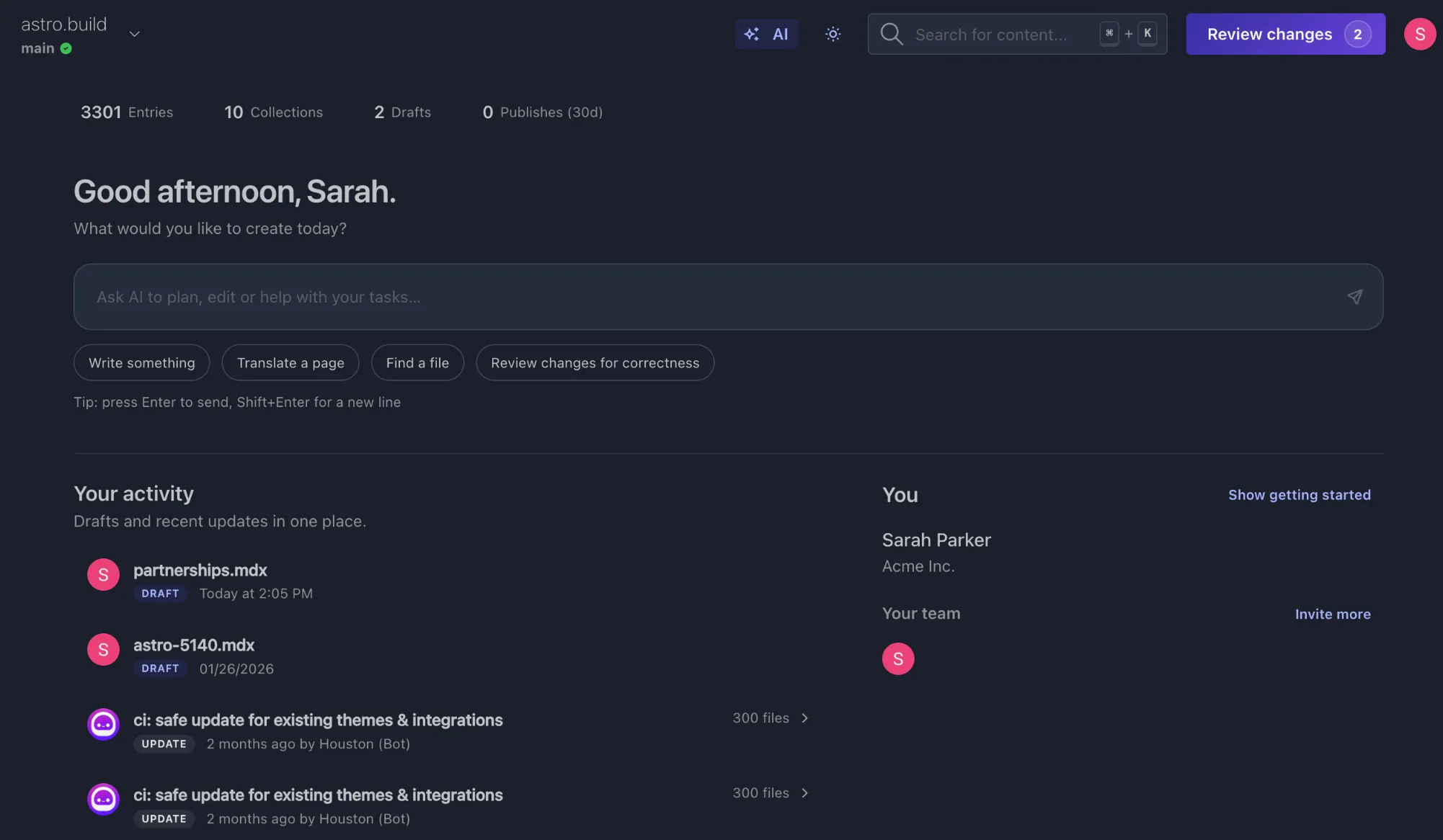
Unleash the full power of AI. Zero now has an AI agent that can draft content, update translations across files, find and synthesize information or review your work.

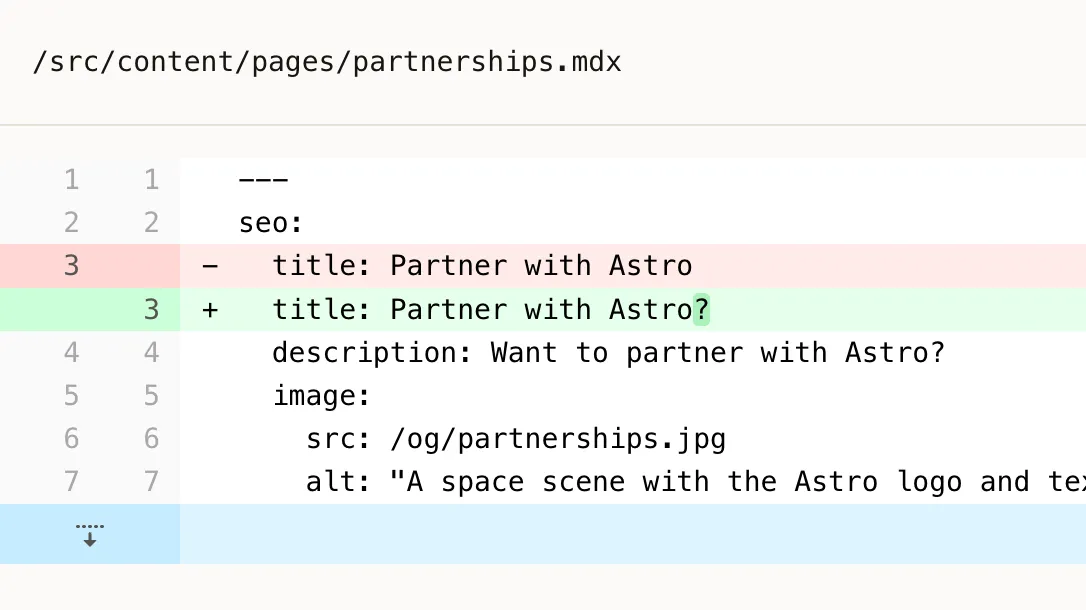
It’s like the perfect coworker who can do almost everything you can do, just faster. Zero automatically takes snapshots before AI edits so you can always undo if something goes wrong.

Note: You can pick your model too. Model availability depends on plan.

Share a preview link

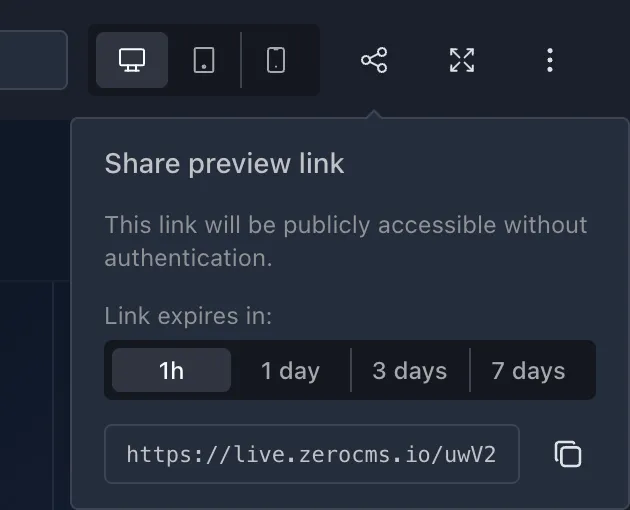
Link sharing

You can now share a link to the live preview, allowing anyone with the link to open the preview without having to sign in first. Use this to get for feedback from your team or client before publishing, or pass the URL to an AI agent for review.

Use Astro components in MDX

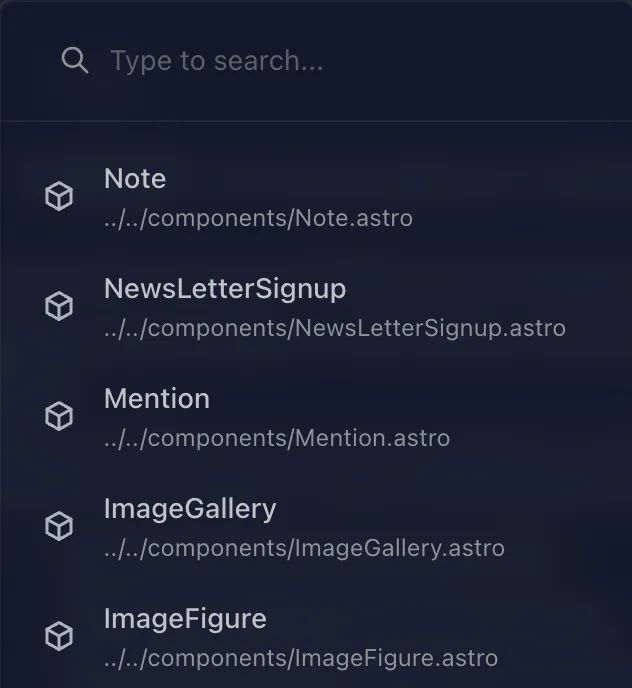
Component picker

You can now use your existing .astro components in the visual MDX editor. They will be accessible in the quick command menu when you type /. Zero will detect them automatically, read what properties they accept and then provide a matching user interface. Zero also adds import statements automatically when you add a component. Enjoy!

Component on page

Connect external AI agents to Zero

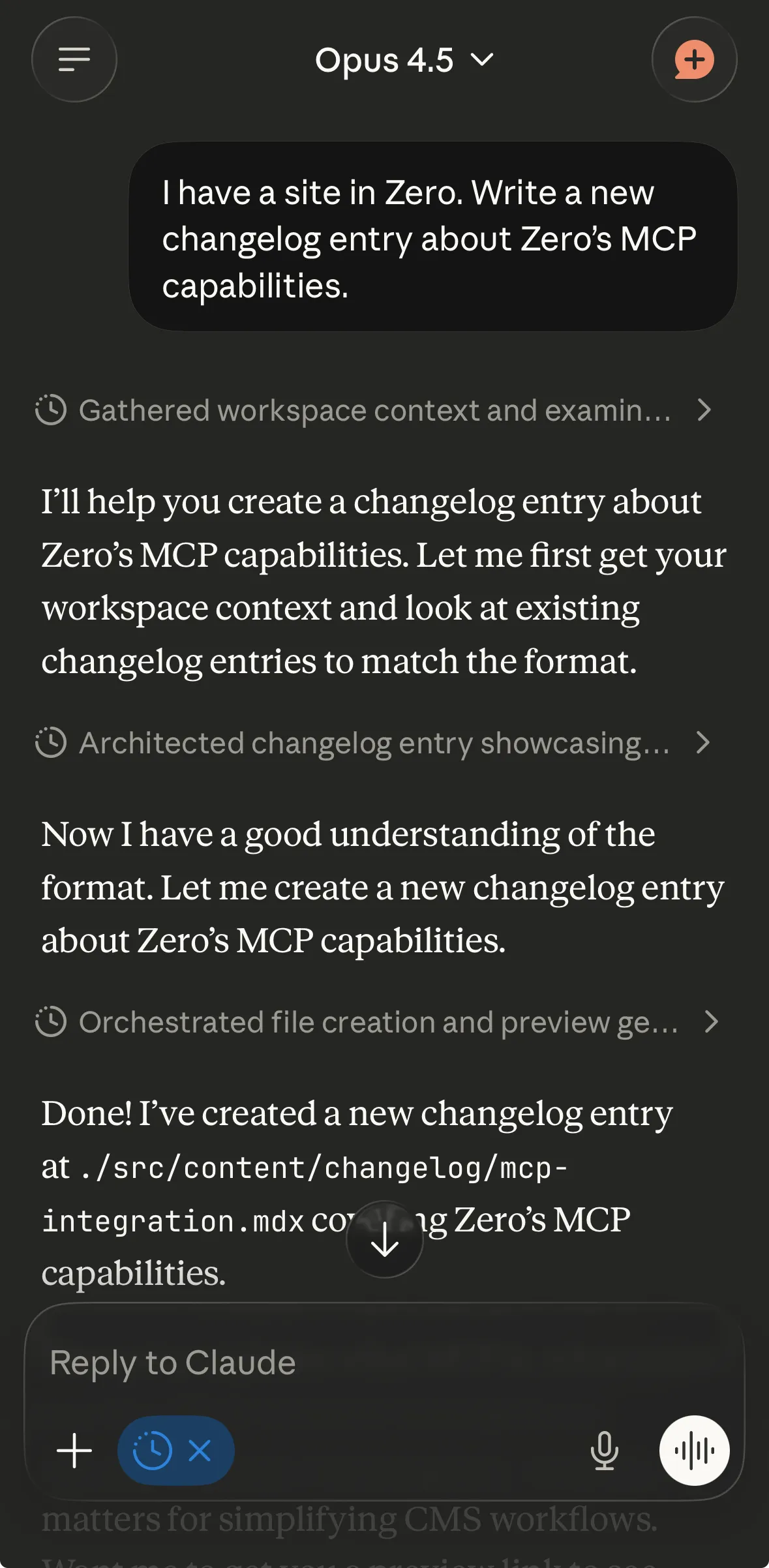
Claude working via MCP

You can now connect your own AI agents and tools like Claude, ChatGPT, Cursor, Claude Code etc. to Zero through Zero’s remote MCP server.

Access your content from anywhere, anytime. Agents will have access to tools so they can read, write and delete content or your behalf. Don’t worry, Zero takes snapshots of content before the AI makes changes so you can go back to the previous versions if something goes wrong.

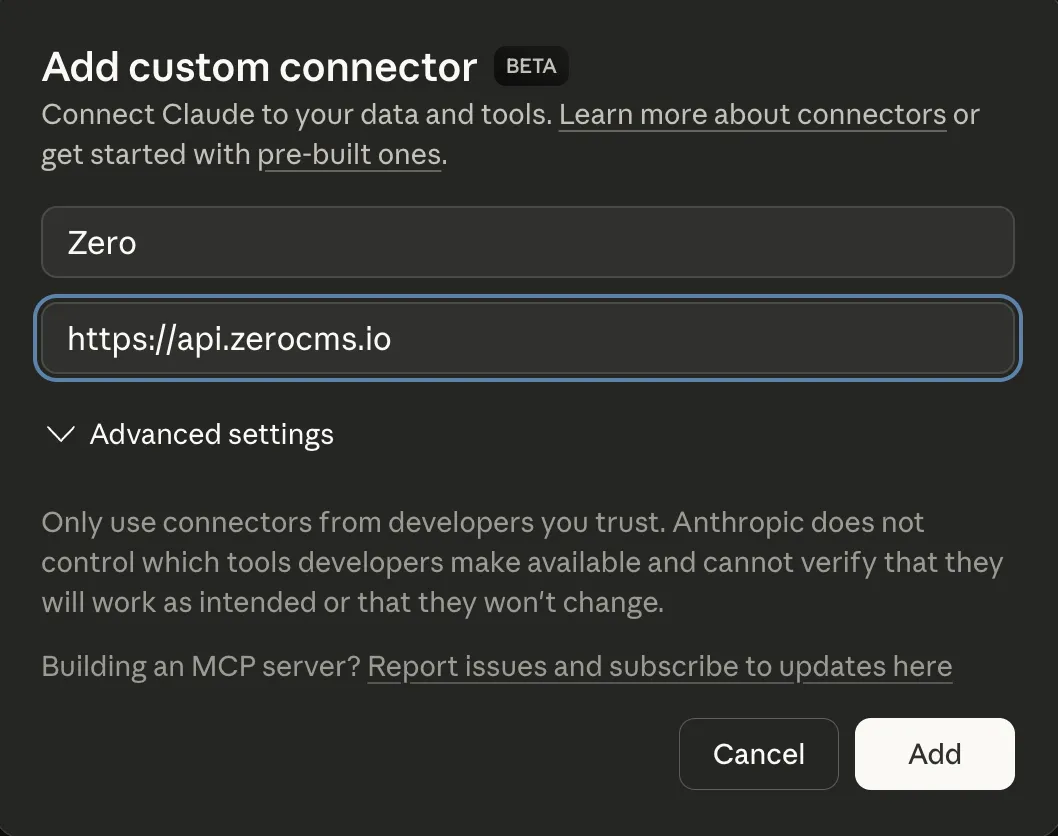
To connect to Zero, simply add Zero as a connector in the tool of your choice:

Connect Zero's MCP server